History: Your Actions, Remembered
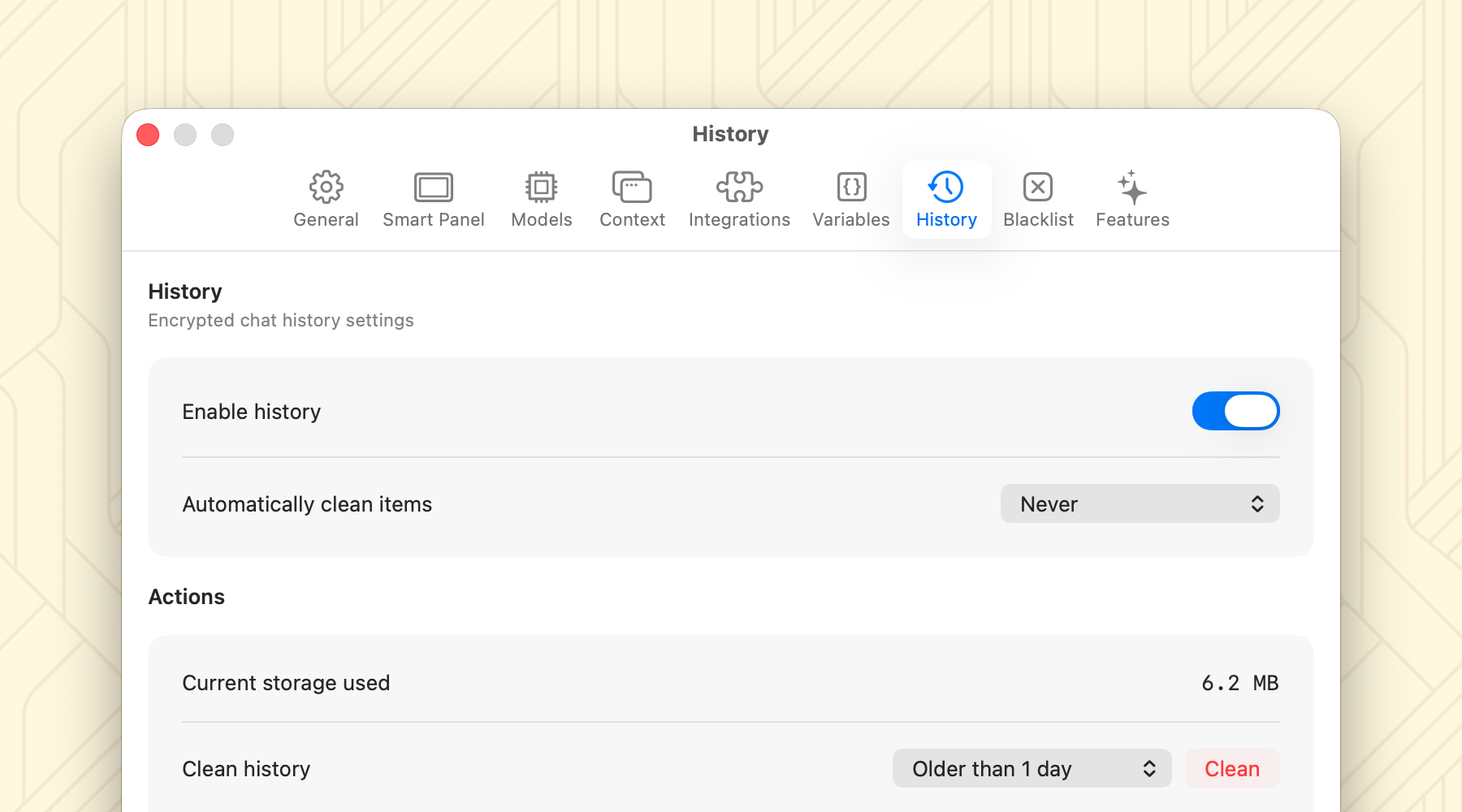
You asked, we listened. Fluent 1.5 introduces a fully native History feature.
- Fully Encrypted: Your history is yours alone, encrypted and locally stored.
- Full-Text Search: Instantly find past conversations by searching through their contents.
- Keyboard Centric: Open history menu via CMD+Y shortcut.
- Restore Sessions: Just like in your favorite browser, press SHIFT+CMD+T to reopen your latest tab chain and pick up exactly where you left off.
New Integrations: Mistral & Straico
We’re expanding your AI choices with two new integrations:
Mistral
Mistral integration has finally arrived! It’s a fantastic alternative if you’re looking for state-of-the-art models available for free.
Straico
We’ve also added support for Straico.
Note: Currently, Straico API does not support streaming, so results will appear after the request completes.
Experimental Features
We're introducing a new Features settings section to showcase the newest experimental options. These are hot off the press and might change in future updates, so give them a try and let us know what you think:
- Expressive Responses: Get responses with rich formatting like lists and tables.
- Include Emojis: Let the AI add some flair with emojis.
- No Em Dashes: Clean up your output by avoiding em dashes unless requested.
Smart Panel Improvements
The Smart Panel is the heart of Fluent, and it just got better:
- Auto-Pin: Keep the Smart Panel visible while working in other apps (Settings > Smart Panel > Various).
- Text Selection: Easily select and copy any part of the response directly in the panel.
- Export Options: Export responses to Markdown, Text, HTML, or PDF.
- Dynamic Sizing: The panel now automatically expands to fit content (enable in Settings > Smart Panel > Streaming > Expand to maximum available space).
- Performance: We've greatly improved animation performance and responsiveness, making the experience buttery smooth once again.
Expanded Browser Support
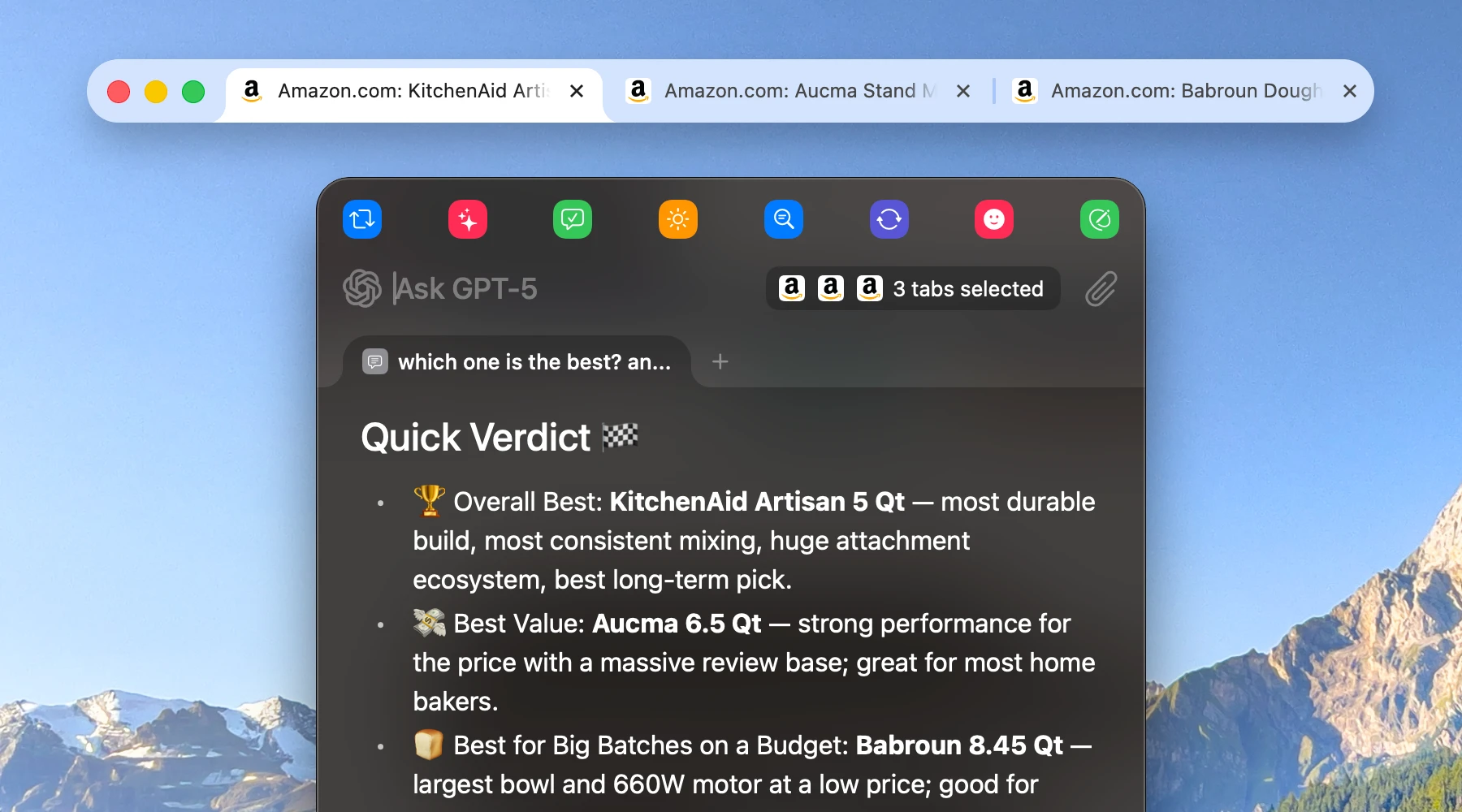
Fluent now supports Comet and Helium browsers, ensuring you have context awareness no matter your preferred way to surf the web.
Improvements & Fixes
We've packed this release with numerous quality-of-life updates:
- Typography: Beautiful, consistent SF Pro typography is now the default.
- Context Locking: "Lock" your context on Smart Panel open, even if you switch apps (Settings > Integrations > Options).
- Browser Tabs in Apps: View browser tab context while working in other applications.
- Stability: Improved thread safety for context fetching and fixes for various bugs, including dark mode issues and drag-and-drop glitches.
Excited? Give it a try!
Download Fluent for FreeWhat’s Next
We are constantly working to improve stability and bring you the best AI experience on Mac. Stay tuned for more updates.