Why Would You Type Anymore?
Fluent 1.7 introduces Memory, a RAG (Retrieval-augmented generation) feature that lets you build personal local knowledge base from your documents and files. Memory in Fluent is model-agnostic and dynamic – meaning AI can decide on its own when it's appropriate to use it. Of course, you can always manually pick data you need.
Whether you're researching, writing documentation, or study materials, Memory's semantic search enables you to instantly find the data you need and feed it into AI for more grounded, fine-grained results. This data is stored locally on your device and can be used by any model with tool support.
On top of that, it's a surprisingly powerful feature for writing tasks. You can now replicate yourself or anybody else with almost 100% precision. Write blog and social media posts with ease, never worrying about whether your content "sounds like AI". Augment your writing – not create artificial "persona".
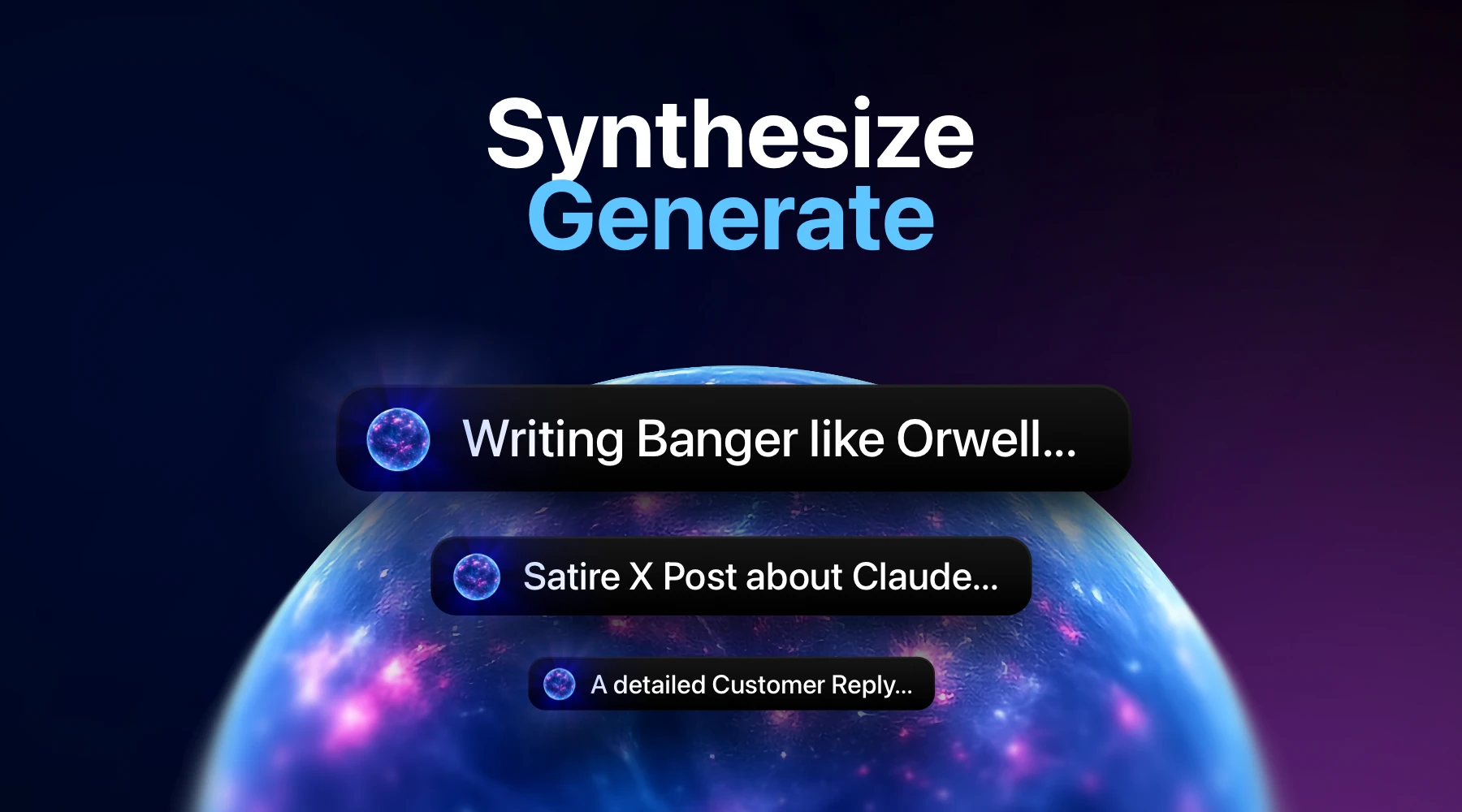
Synthesize – Generate
The perfect use case of Memory knowledge comes from blending it. Imagine having an Email that you don't have time or mood to reply, but have to. Let's say your SaaS customer urgently asks you to provide information related to batch discounts.
Great. Now, the most important part is – Fluent knows your writing style, your voice and all of the nuances, because you provided examples of it in the past. In addition, Fluent contains extensive documentation around your SaaS, including pricing details.
Let's say you have an action with Auto Insert option enabled and you trigger it with your custom shortcut. Here's the action prompt:
Analyze this Email from my customer. Using {{ @"My Email Messages" }} as examples of my previous replies to customer letters, generate a reply that is valuable and concise.

The reply should be between 1 to 3 paragraphs, each 1-2 sentences. It should be easy to perceive, not over-intelligent (understandable by average college student), do not mix ideas. Vocabulary should not be over-intelligent, instead it should be slightly limited so a non-native English speaker can understand.

Make your best to 100% replicate my writing style, so that it’s not possible to identify that was written by anyone else.

I encourage you to use {{ @"Fluent Documentation" }} and {{ @"Future Plans" }} to identify information which it would be reasonable to include in the letter.

Return only the resulting reply, no thoughts, no explanations.
With this prompt Fluent on-par with AI will synthesize all the necessary information and generate a perfect response. Use SOTA models for the result that sounds exactly like you would have written. Simple like that. Here's the video showcasing this example:
The AI generated letter in the video is actually completely the same copy-pasted letter I used many times. Sometimes I adjusted it regarding the context, but the overall layout, greeting, wording and typical ending phrases were taken from my style. Ask anyone – they will prove it 😏
Don't forget to enable app and/or browser context, so it's automatically attached, and Fluent knows on which message it should reply. Context awareness is actually half of success.
Hot Tip: if model struggles to format the response, refine your prompt.
For example, add stricter requirements, like:
Critical: FORMAT the resulting reply. Apply newlines, use paragraphs, etc.
Use Cases
While semantic search is the most wanted use case of a knowledge base, writing texts that do not sound like a bot/AI, and are not detectable as written by AI – is a huge advantage in content creation.
Writing social media and blog posts, chats and Email messages, essays and even generating satire and humor is possible with Fluent's Memory engine with a proper context, data and prompt.
Besides of writing, here're some ideas where Memory could be a great supercharger:
- Customer support
- Any kind of messaging automation
- Research and data analysis
- Troubleshooting
- Document analysis
How Memory Works?
Memory in Fluent is designed based on the hybrid RAG architecture. It's equally performant for both semantic search and writing tasks.
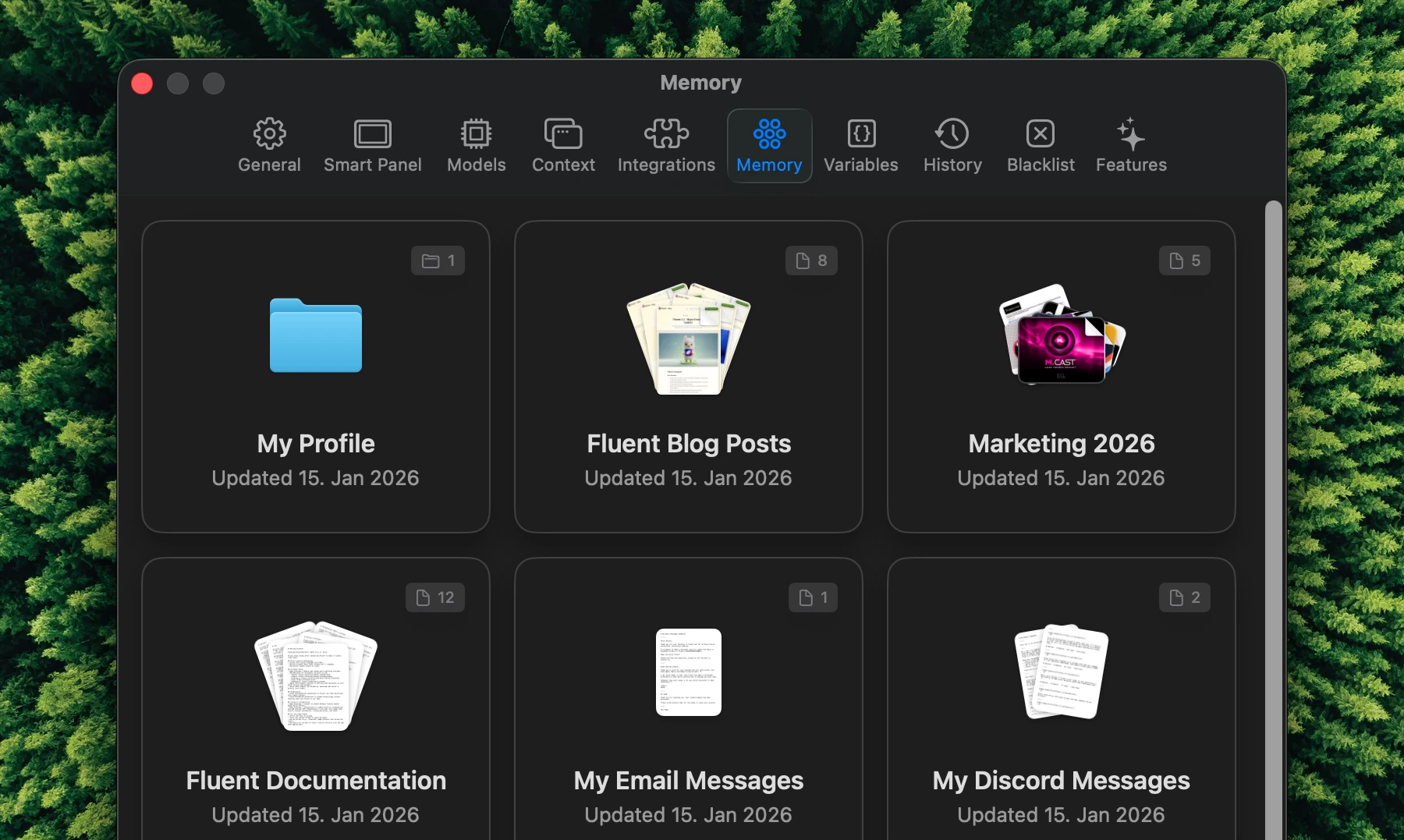
In Fluent, you create a Memory Group to store your data. Memory Group is a set of files and dynamic notes (we'll discuss it a bit later), which are efficiently indexed and stored locally on your Mac. Fluent is supplied with 3 default groups: My Profile, My Writing Style and My Projects. Feel free to update them accordingly to supply some initial source of knowledge
In order for Memory feature to function, you would also need to explicitly enable it under Settings > Integrations – as Memory is a built-in MCP integration.
Context Learning
Fluent implements a basic form of context learning in the form of Memory Notes. Note is a kind of data that can be updated dynamically by you or AI model. Use notes to organize data that might be updated: your favorite quotes, Steam wishlist, your newest blog posts, etc.
Organizing Your Memory
Here's couple of recommendations and tricks to follow when organizing your local knowledge base. Core principle is to keep your memory groups lean and domain-oriented. It means: do not push every single message, PDF, Excel sheet into a single basket. And do not organize by file types – that's absolutely unnecessary.
Instead, separate your knowledge groups by topic, like:
- My Profile (About Me)
- My Email Replies
- My Reddit Posts
- My Discord Messages
- Invoices
- Favorite Quotes
- Steam Wishlist
- ... and so on
This way Fluent will search through vast amounts of your knowledge efficiently, utilizing only the relevant data.
Boosting Generation Quality
Another thing to take care of is quality and format of your own writings. Say, you want to replicate your Slack messages. Create a Markdown formatted file with this simple structure:
# My Slack Messages

-----

Message #1 Content

-----

Message #2 Content

-----

Message #3 Content
If you want, you can add additional context, like headings, sub-headings, quotes, etc. Just keep in mind, that it might introduce unnecessary noise. Always think about the relevance – will the data you put be relevant enough to improve the quality of generated content?
LLMs understand Markdown really well – it's literally one of the best formats to interact with, because models are trained on huge amounts of Markdown documents. Reason is simple: Markdown covers most of the elements and layouts possible – while staying lightweight.
How Much Data I Need?
In case of writing tasks: not much, and not less. It also depends on the size of your data and AI context window. If you want to replicate your short enough messages, aim for a number of 20-50 and higher. If it's about blog posts, which are multiple times longer than messages, aim to select only the most consistently equal 10-30 posts. General principle here: the bigger your data – the less it needs to be variadic.
Models love when the context is clear and consistent, not when it's noisy and sparse.
Keeping Memory Up-to-Date
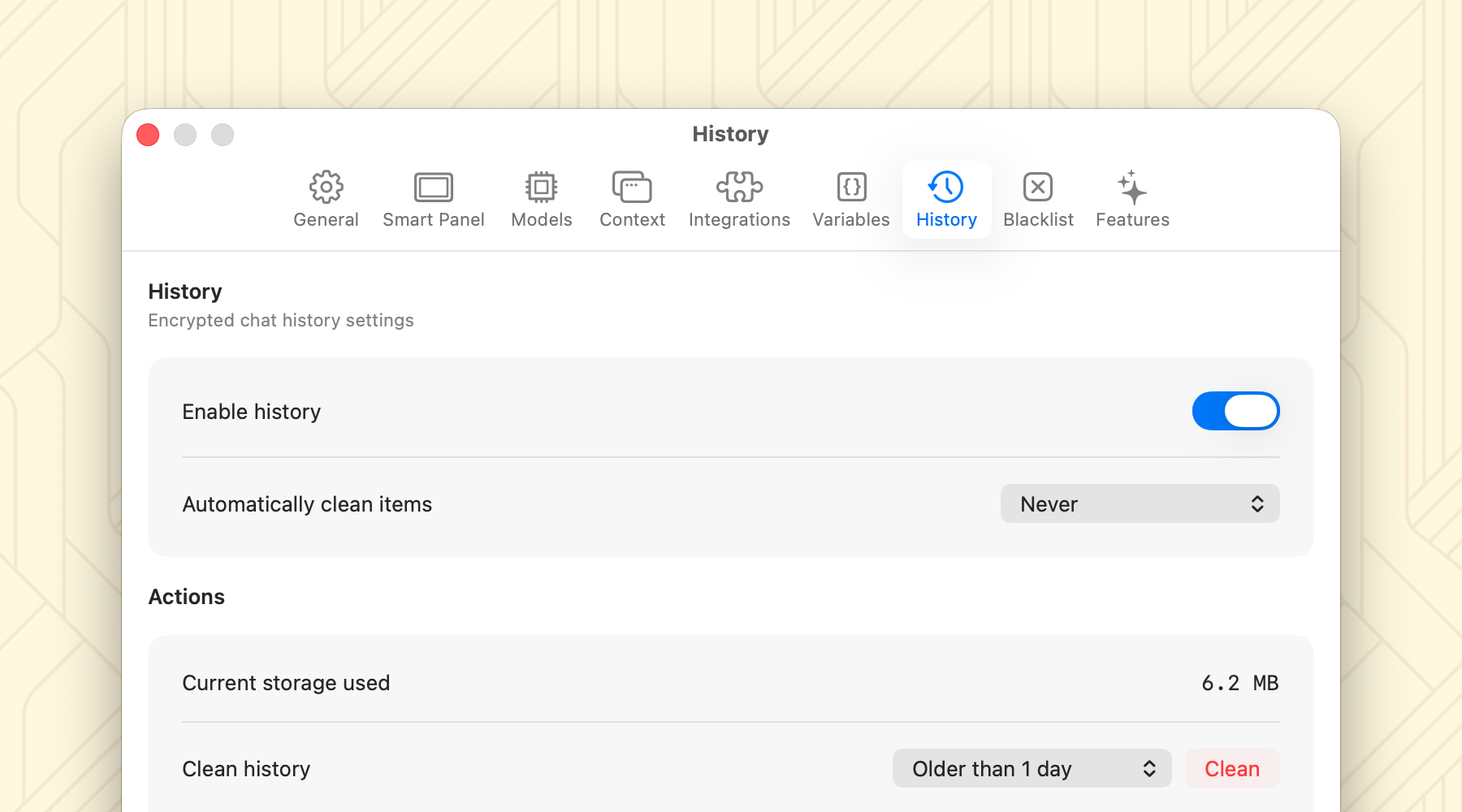
Fluent currently does not automatically reindex your memory. If you update the files you have added to Fluent, you will need to reindex them manually by going into Settings > Memory, opening the group of interest and clicking "Reindex".
Dynamic notes do not need to be reindexed – Fluent already does it.
Background reindexing is already close in the roadmap.
Getting Started
Fluent 1.7 is available now. Existing users can update directly, and new users can download the app to experience the power of AI transformation on Mac.
Excited? Give it a try!
Download Fluent for FreeWhat’s Next
We will now focus on bringing further smaller features and improvements based on your feedback, e.g. Background Actions, OpenAI/Gemini subscription support. Additionally, there are lots of exciting things related to Scheduled Actions coming soon.
Stay tuned for more updates, and as always, we'd love to hear your feedback and feature requests in our Discord server.