
Attachments
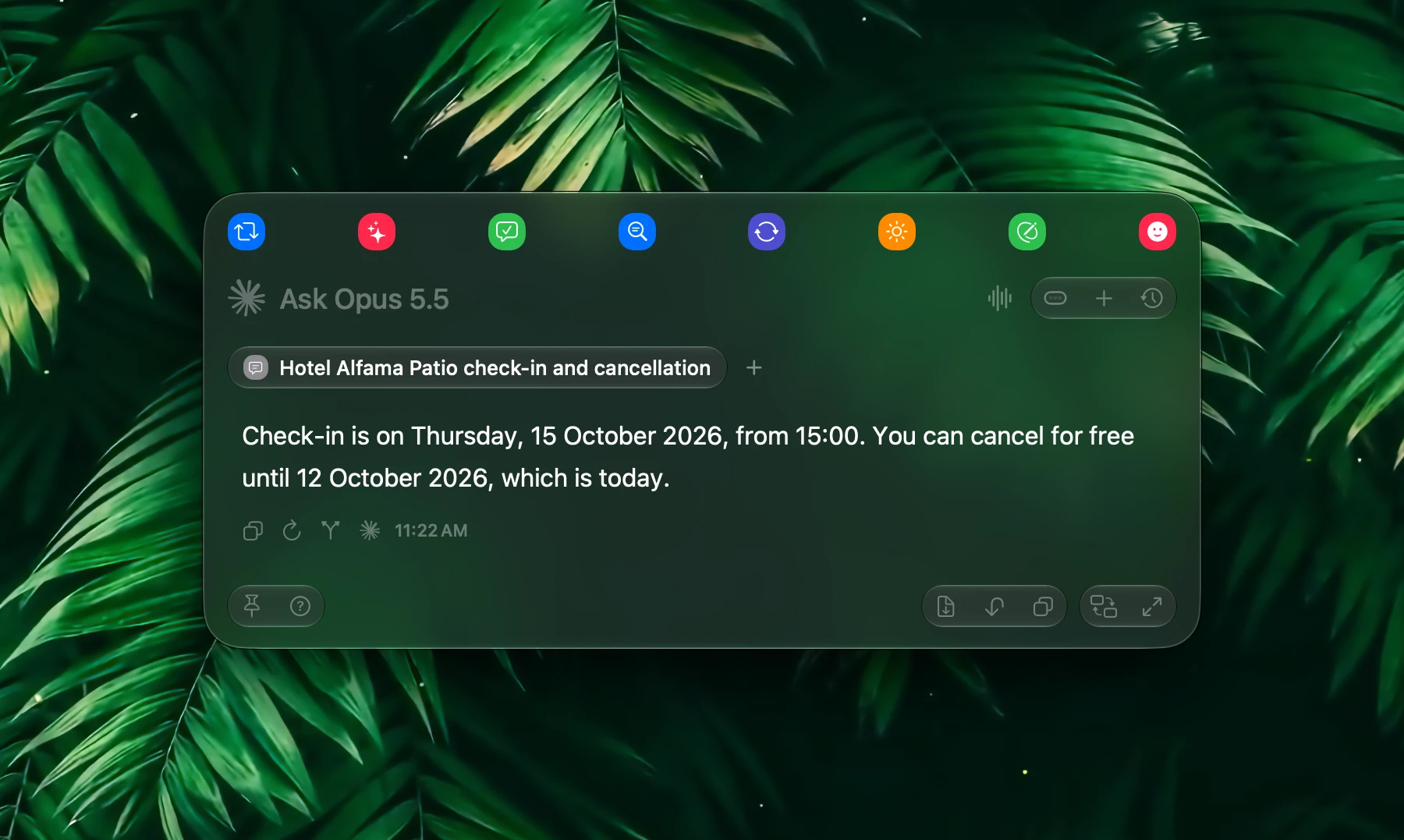
Attachments let you add files and images to a prompt: a contract, a report, a screenshot of an error. Fluent reads them so you don't have to copy and paste their text.
Attachments work the same way in the Smart Panel and the chat window.
Attach a File
| How | What happens |
|---|---|
| + → Attach files from Mac | Choose one or more files |
| Drag and drop | Drop files on the Smart Panel, or anywhere in the chat window |
| ⌘V | Pastes files you copied in Finder, or an image you copied |
| Finder selection | With Settings → Smart Panel → Attach selected files automatically on, the files selected in Finder are attached when the Smart Panel opens |
| Deep links | Add file= to a link, see Deep Links |
Each file shows as a chip in the prompt. Click the chip to preview the file. Delete the chip to remove the file.
What Fluent Reads
| File | What the model gets |
|---|---|
| Plain text, Markdown, CSV | The text |
| The document's text. A scanned PDF with no selectable text has nothing to read | |
| Word (.doc, .docx), RTF, OpenDocument text (.odt) | The document's text |
| Excel (.xls, .xlsx) | The words and numbers in the file, without its rows and columns |
| HTML, web archives | The page's text |
| Images: JPEG, PNG, GIF, WebP, HEIC, TIFF, BMP | The image itself. Fluent converts formats a provider doesn't accept, such as HEIC |
Images need a model that can see images. With one that can't, the provider may answer with an error.
For a spreadsheet where the layout matters, such as totals by category, export the sheet as CSV and attach that. For other formats, such as JSON or log files, paste the text into the prompt instead.
Examples
| Attach | Ask |
|---|---|
| A contract (PDF) | "List every deadline, and what happens if we cancel early." |
| An expense export (CSV) | "Total these by category and flag anything over $500." |
| A screenshot of an error | "What does this error mean, and how do I fix it?" |
| Two drafts of a Word document | "What changed between these two versions?" |
In the Chat
Attached files stay with the chat. A follow-up question can use them again, as long as each file is still where it was on your Mac. Fluent doesn't copy the files you attach: it remembers where they are.
Click a file chip in a sent message to preview the file where it is now.
Pasted images, and items dragged straight from apps such as Photos, a browser, or a screenshot thumbnail, have no file of their own. Fluent keeps a copy of these on your Mac for up to 60 days, so the chat can still show and use them.
To attach browser tabs and app windows the same way, see Context.
Generated Images
Images a model creates for you, for example with Nano Banana, appear in the reply. Right-click one:
- Copy Image copies it at full resolution
- Save Image As... saves it as a PNG file
- Show in Finder shows where Fluent keeps it on your Mac
Privacy
Attachments are sent to the selected AI provider along with your prompt.
If you are using cloud models, the attachment content leaves your device. If you are using local models (MLX or Apple Intelligence), attachments stay on your Mac.
Choose the model type based on the sensitivity of the content you are attaching.