
Permissions
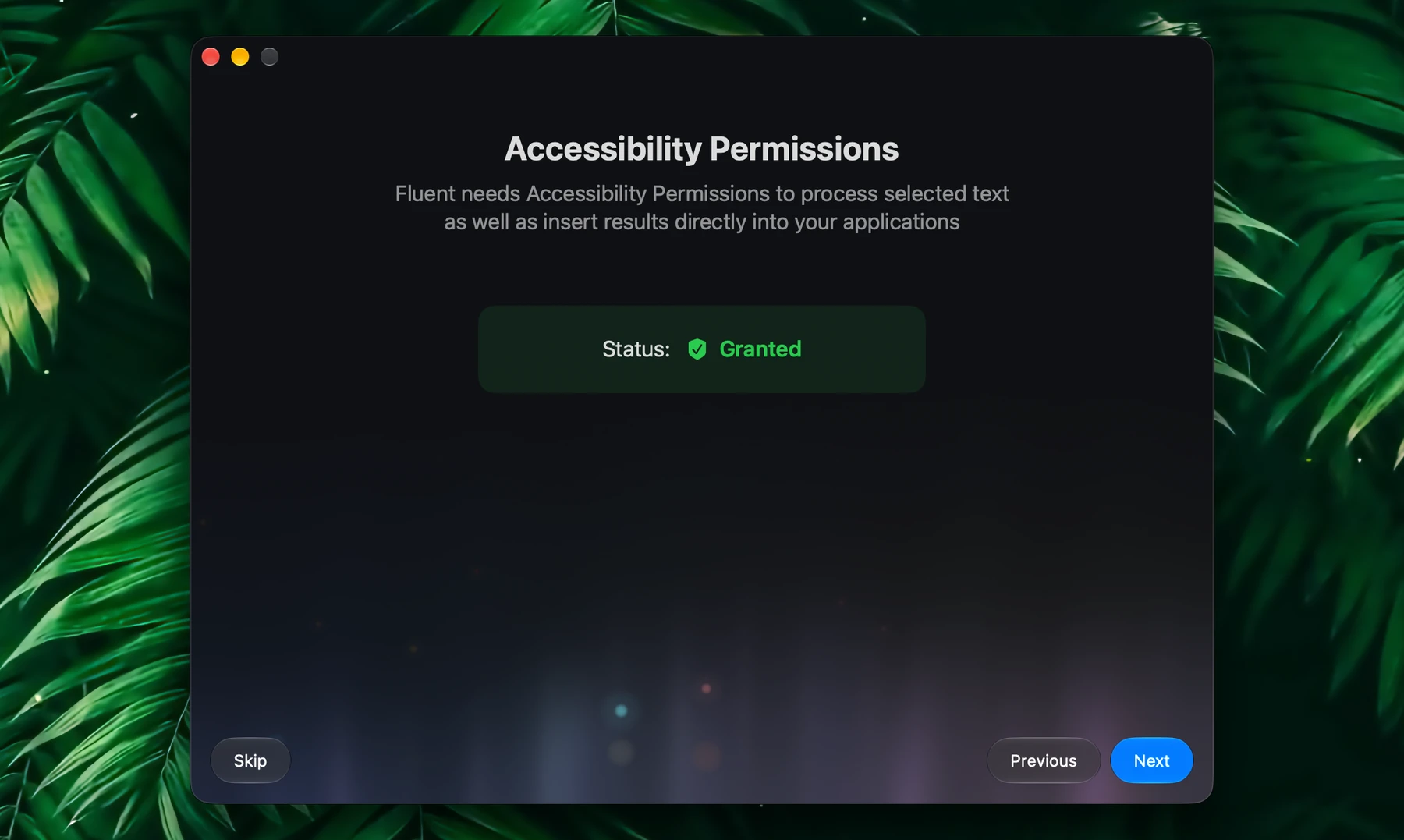
Fluent needs one permission to work: Accessibility. Every other permission is asked for only when you first use the feature that needs it.
| Permission | What it's for | When Fluent asks |
|---|---|---|
| Accessibility | Shortcuts, selected text, inserting results, app context, the browser tab in front, typing dictation, Computer Use | During setup |
| Automation | Browser tabs in the background, the Browser integration, Finder, Notes, Pages, Keynote and Numbers | The first time you use that app with Fluent |
| Microphone | Voice | When you turn on voice dictation |
| Screen Recording | Screenshots for Computer Use | When you click Allow Screenshots in Computer Use's settings |
| Calendars, Reminders | The Calendar and Reminders integrations | The first time the integration is used |
| Location Services | The Location integration | The first time it's used |
| Notifications | Alerts when work finishes or a tool needs your approval | The first time Fluent has something to tell you |
| Mail folder | Whole Mail conversations as context | The first time you attach Mail |
| Finder extension | Add to Memory in Finder's right-click menu | You turn it on yourself |
Accessibility
Accessibility is the one permission Fluent needs. It lets Fluent:
- React to global shortcuts, including the dictation shortcut
- Read the text you select
- Insert results into other apps
- Read the app you're in as context
- Read the page in the browser tab in front
- Type dictation into other apps
- Read and control other apps with Computer Use
Grant it during setup with Authorize in Accessibility, or turn on Fluent in System Settings → Privacy & Security → Accessibility. Shortcuts work right away, with no restart.
macOS lists an app there only once it has asked, so Fluent's permission buttons ask first: Fluent is then in the list, ready to switch on. Run Fluent from your Applications folder: opened from the disk image it came in, macOS may not keep the permission, and Fluent's permission screens warn you about it.
If Fluent doesn't react to a shortcut, can't see your selection, or app context stays empty, check Accessibility first.
Automation
macOS asks whether Fluent may control another app the first time Fluent sends it a command. Fluent does that only when you use the app with Fluent: opening the Smart Panel or the chat window over your browser, choosing tabs from the + menu, or sending a request. Browsing on your own never brings up the question. Finder is asked only while you work in Finder.
Automation is used for:
- Listing browser tabs and reading tabs in the background, in Safari and Chrome-style browsers
- The Browser integration
- Files selected in Finder, and the folder open there
- The Notes integration
- Documents open in Pages, Keynote and Numbers, as app context
If you clicked Don't Allow, turn on that app under Fluent in System Settings → Privacy & Security → Automation.
Screen Recording
Only Computer Use needs it, and only to look at a window or your screen as a picture: reading and controlling apps works without it. Click Allow Screenshots on Computer Use's page (click it in Settings → Integrations), then turn on Fluent in System Settings → Privacy & Security → Screen Recording.
Browsers
The tab you are looking at needs no setting in the browser. Firefox and the browsers built on it are read through Accessibility alone. Safari and Chrome-style browsers also need Automation, which macOS asks for the first time you use that browser with Fluent.
Tabs in the background and the Browser integration also need the browser to allow JavaScript from Apple Events.
Setup:
- Safari: Settings → Advanced → Show features for web developers
- Safari: Settings → Developer → Allow JavaScript from Apple Events
- Chrome-style browsers: View → Developer → Allow JavaScript from Apple Events
Firefox and the browsers built on it have no such setting: Fluent reads their front tab through Accessibility.
If a background tab arrives without its page, check this before changing other settings.
Microphone
Voice needs the microphone. Fluent asks when you turn on Settings → Voice → Enable voice dictation. Your speech is turned into text on your Mac.
If you clicked Don't Allow, Voice settings say Microphone access is denied. Turn on Fluent in System Settings → Privacy & Security → Microphone. See Voice.
Calendar And Reminders
The Calendar and Reminders integrations ask for access the first time they're used, for example when you ask "what's on my calendar tomorrow?" or "remind me to call Anna at 5".
Change it later in System Settings → Privacy & Security → Calendars or Reminders. If you never use these integrations, Fluent never asks.
Location
Only the Location integration uses your location, when a request needs it, such as "find a pharmacy near me". macOS asks the first time.
Change it in System Settings → Privacy & Security → Location Services.
Notifications
Fluent asks the first time it has something to tell you:
- A scheduled action, or a request running in the background, finished
- A Council finished
- A tool is waiting for your approval while the Smart Panel is hidden
- Files or text were added to Memory from Finder or another app
Turn them on or off in System Settings → Notifications → Fluent.
To read a whole Mail conversation as context, Fluent asks for access to your Mail folder: a window opens on it with a Grant Access button. Without it, Fluent reads the message on screen. You see this only when Mail is attached as context.
Finder Extension
Add to Memory in Finder's right-click menu comes from Fluent's Finder extension, which macOS keeps off until you turn it on. Click the gear in Settings → Memory, then Turn On… next to Finder right-click menu: it opens the switch in System Settings.
Troubleshooting
If Fluent never asks for a permission, check that you're using the official Fluent. Modified copies often break permissions or are silently blocked by Gatekeeper.
To reset all of Fluent's permissions, quit Fluent and run this in Terminal:
tccutil reset All net.epicbits.FluentStandaloneThen open Fluent again: it asks for Accessibility, and for the rest as you use each feature.